
If you need to confirm whether your Kuwait nursing license is active, under review, expired, or approved, the safest method is to check it through the Ministry of Health medical licensing system using your own login. This gives you the same status view used for renewals and follow-ups, without relying on third-party updates.
Do this next
- Open the Ministry of Health medical licensing portal and sign in to your account.
- Go to your dashboard and check the license status under your licensing services.
- If renewal is available, prepare your key documents first (Civil ID + residency copy) before submitting.
What “license status” means in real life
In Kuwait, your nursing license status affects what you can do next: renew, update documents, pay fees (where applicable), or wait for review. Many expats only discover an issue when they need a renewal, a job transfer, or a facility asks for an updated license copy.
Common situations include:
- You’re joining a new employer and HR asks for proof your license is active.
- Your license is close to expiry and you want to renew early to avoid delays.
- Your application shows “under review” and you need to know if anything is missing.
Check your nursing license status in the MOH medical licensing system
The Ministry of Health provides a medical licensing system where the status is shown after you log in.
Step-by-step
- Sign in using your username and password.
- Open Dashboard and find your licensing services area.
- Locate your nursing license record and read the current status (for example: active, pending, returned, expired).
- If the system shows an action button (renew / update / pay), follow the prompts from the same page.
If you cannot find your license inside the dashboard, it usually means one of these:
- You’re logged into a different user account than the one used for the application.
- Your profile category or service path is not the correct one for your sector (government vs private).
- A required step (profile completion or attachment upload) was not completed.
Issue, renew, or transfer: what changes between services
Kuwait’s licensing steps can look similar, but the requirements and fee steps may differ by sector and by service type. Use this quick table to avoid mixing paths.
| Task | What you usually need ready | What happens next |
|---|---|---|
| Check status | Login access + your application shown in the dashboard | You view status and any missing requirements |
| New license (private sector) | Passport copy, Civil ID, residency copy, qualification documents, employer letter (if requested) | You submit and wait for review; fees may apply |
| Renewal (private sector) | Updated Civil ID + residency copy at employer + any requested updates | You submit renewal; fees may apply |
| Transfer (private sector) | Previous license + waiver/approval documents (if requested) | You submit transfer request and follow review steps |
Documents commonly requested (especially for expats)
Kuwait’s system may request different attachments depending on your sector and licensing route. Keep clear scans ready, and ensure details match exactly across documents.
Common documents include:
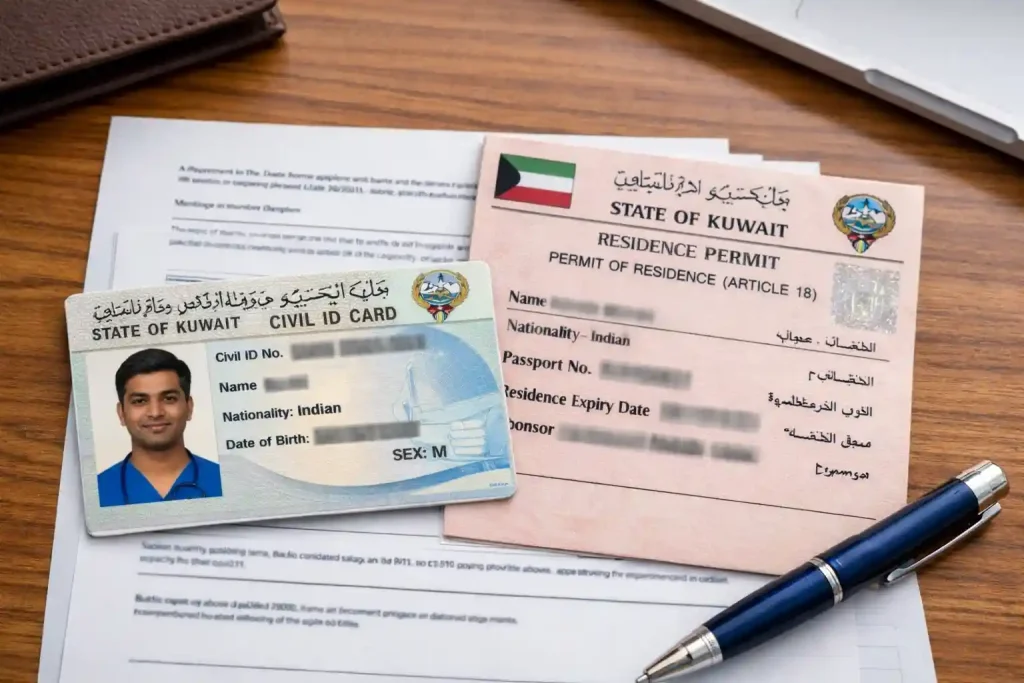
- Civil ID (front and back)
- Valid residency permit copy
- Passport copy
- Qualification verification or equivalency documents (when required)
- Medical examination result (in some workflows)
- Employer letters (especially for private sector actions)
Practical examples:
- If your residency was renewed recently, upload the newest residency copy so your renewal doesn’t get returned for mismatch.
- If your name spelling differs between passport and certificate, add the supporting document requested by the system before submitting.
Fees
Fees can differ based on your category, service type, and sector. The portal’s fee screen is the final reference at the time you apply.
| Service | Sector | Fee shown in portal |
|---|---|---|
| License issuance | Private | Check inside the system |
| License transfer | Private | Check inside the system |
| License renewal | Private | Check inside the system |
| Government sector licensing | Government | Check inside the system |
If your status shows “returned”, “rejected”, or “pending”
A status issue is usually fixable, but it can become stressful if your residency, job transfer, or renewal timeline is tight.
- Returned: Something is missing or unclear. Re-check attachments first (expiry dates, readability, correct document type).
- Rejected: There may be an eligibility or workflow issue. Read the reason inside your account and follow the correct service option.
- Pending/Under review: Often means your submission is in a queue. Avoid repeated re-submissions unless the system requests changes.
A safe approach is to collect all documents in one folder and upload only what the system flags, rather than replacing everything.
Pro Tip: During Ramadan and public holidays, processing can feel slower. Submit early, and upload clean scans (not glare-heavy photos) so your application doesn’t get returned for “unclear attachment.”
Read more: How to Check Absconding Case| How to Get Salary Certificate in Kuwait
FAQs
Can I check my nursing license status without logging in?
In most cases, you need to log in because the status is connected to your user account and dashboard. If you don’t have access, reset your login first so you can see the same screen used for renewals and follow-ups.
What should match before I submit a renewal?
Make sure your Civil ID, residency copy, passport name, and employer details match. Small mismatches (expired residency copy, unclear scan, different spelling) can lead to a return for correction.
My status is pending—should I submit again?
If the system shows “under review” or “pending,” re-submitting can create confusion unless you’re asked to update something. Instead, check if there is a message, missing attachment notice, or payment step waiting in your dashboard.
Do private and government sector requirements differ?
Yes. The sector path can change required letters, attachments, and fee steps. If you are changing employer or switching sector, confirm you selected the correct service option before uploading documents.

