

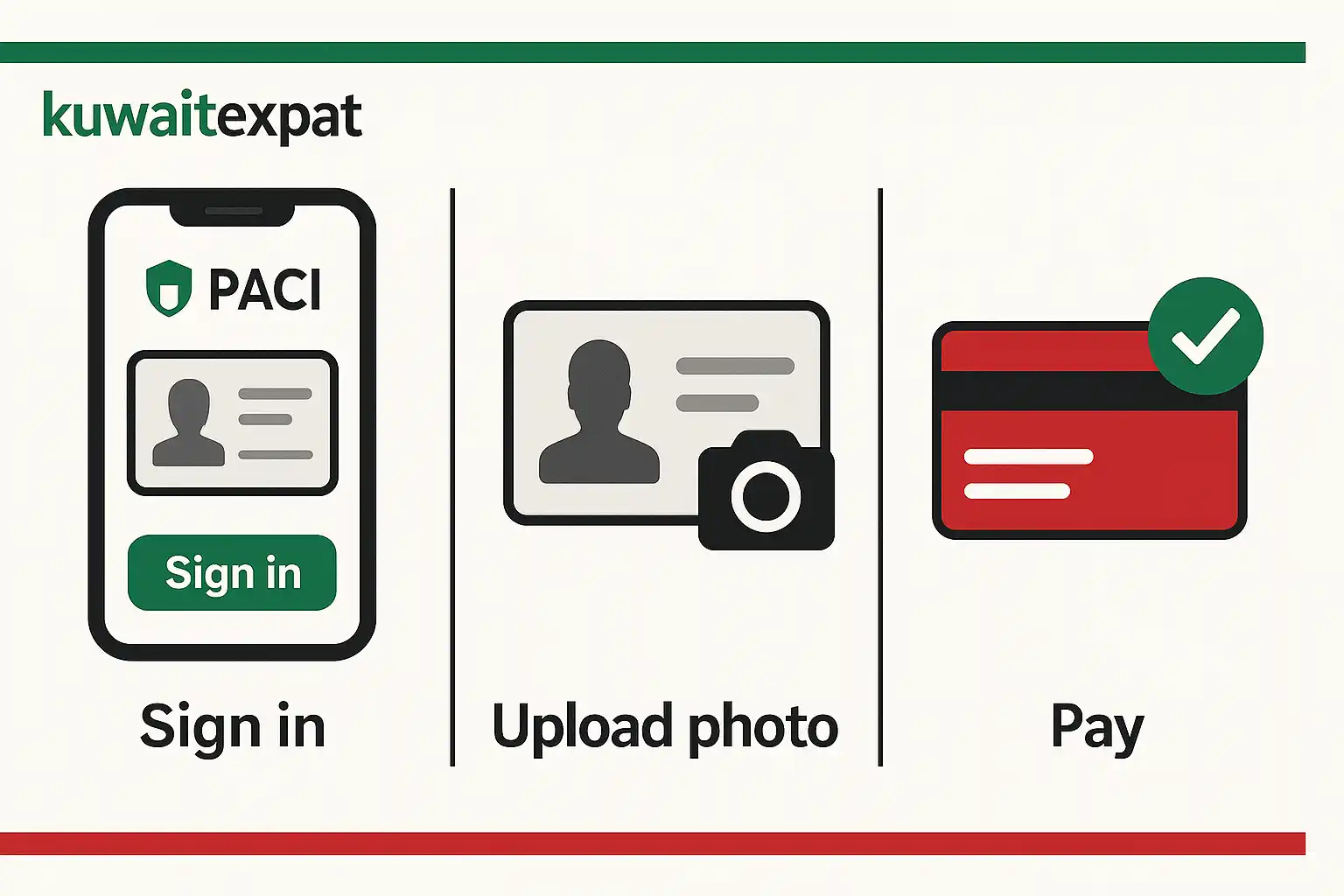
The fastest way to complete kuwait civil id renewal online is via the PACI e-services portal: confirm your details, upload a compliant photo (if asked), and pay the renewal fee. You’ll receive an SMS confirmation; then collect from a PACI machine/counter or request home delivery (optional).
Do this next.
- Gather civil ID number, Kuwait mobile, and a bank card.
- Renew on the PACI portal → pay online → save receipt.
- Track SMS; collect at machine/counter or book home delivery.
Eligibility & timing
Who must renew
Everyone with a Kuwait Civil ID must renew before expiry; the card underpins banking, healthcare, telecom, travel, and most official services.
Renewal window & visibility
You can renew several weeks before the expiry date. Digital records usually reflect changes before the plastic card is printed.
When online renewal is not allowed
Data change cases (name, DOB), photo/biometrics issues, or ID problems may require a counter visit or a support ticket rather than self-service.
Documents you need
Core items
Civil ID number, Kuwait mobile number (for OTP/SMS), and a valid debit/credit card for payment.
Photo requirements
If a new photo is requested: frontal, no glasses, neutral background, correct dimensions; avoid shadows or filters to prevent rejection.
Residence & passport data
Have your residency page and passport handy if the system prompts for verification.

Renewal Fees & payment
What you’ll typically pay
- Card renewal fee: usually 5.000 KWD (smart card).
- Envelope/issuance admin: commonly 0.250 KWD.
- Optional home delivery: 2.000 KWD for the first card (+ 0.250 KWD per additional card to the same address).
Use KNET or bank cards; save the payment receipt (PDF/print) for pickup or support.
Common payment errors & fixes
“Transaction failed” → retry after 10–15 minutes; ensure sufficient balance and KNET activation.
OTP not received → confirm Kuwait SIM signal and re-request; switch off VPN.
Duplicate charge fear → check card statement before retrying; most failed attempts auto-void.
Quick fees table
| Item | Typical amount | Notes |
|---|---|---|
| Smart card renewal | 5.000 KWD | Standard Civil ID |
| Admin/envelope | 0.250 KWD | Shown on checkout |
| Home delivery (optional) | 2.000 KWD | +0.250 KWD each extra card (same address) |
Kuwait Civil ID renewal online: step-by-step
Sign in and choose service
Open the PACI e-services page and select Card Renewal. Enter your Civil ID and proceed.
Confirm details
Check your name (Latin/Arabic), mobile, address, and any prompts for a new photo. Correct discrepancies before paying.
Upload photo (if asked)
Follow the technical specs precisely (size, background, head position). Rejections are common when glasses, shadows, or low resolution are present.
Pay online
Complete payment by KNET/debit/credit. Wait for the success screen and download the receipt.
Confirmation & what happens next
You’ll see a success message and receive SMS/notifications. Your Mobile ID can be updated to reflect the new validity once the back-end confirms the renewal.
Pickup vs delivery
Self-service machine (kiosk)
Many cards are dispensed via PACI self-service machines. Bring the old card (if requested) and your payment receipt. Follow the on-screen flow to print/collect.
PACI counter collection
If the machine cannot issue your card (photo/biometric issues or special cases), you’ll be directed to a counter with your documents and receipt.
Home delivery (optional)
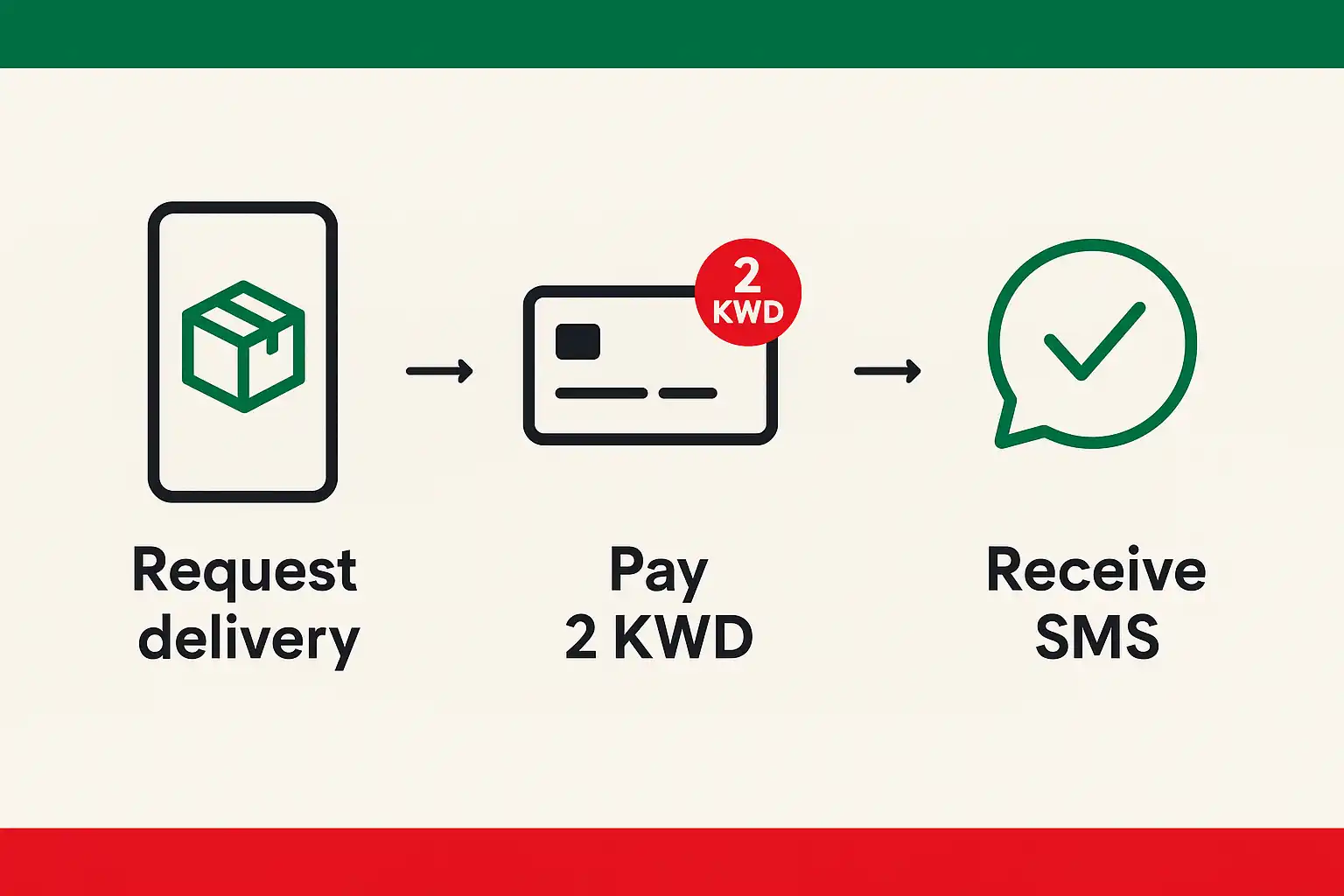
Prefer not to queue? After renewal is processed, request home delivery. Pay 2.000 KWD online, add your address and mobile, then track via SMS until delivery.
Track status & common errors
Check status
Use the Card Status/Validity inquiry tools to see whether the card is under processing, ready, or issued.
Photo rejected
Re-upload with frontal, no-glasses image, proper background, and adequate lighting; avoid portrait-mode blur.
Payment failed
Wait and retry; if funds were held, most banks release them automatically. Keep a screenshot of any error code for support.
OTP not received
Ensure your Kuwait number is active and has signal; toggle airplane mode or try again later. Avoid using roaming/VPN during OTP.
Pro Tip: If your Mobile ID doesn’t reflect the new expiry after renewal, open the app → Manage → Check for Updates to refresh your digital ID without waiting for the plastic card.
FAQs
How long does renewal take?
Online submission and payment take minutes. Card readiness varies from 1–5 working days in normal periods; delivery adds ~2 business days. Busy seasons can take longer.
Can I renew from outside Kuwait?
Online payment may work abroad, but OTP and pickup/delivery limits apply. Most users should plan to complete or collect in Kuwait; if you must renew civil id kuwait while away, arrange a trusted representative and confirm delivery eligibility first.
Do I still need the plastic card if Mobile ID works?
Most counters and banks accept Kuwait Mobile ID, but you may still need the physical card for travel and certain services—keep it current.
My card shows “ready” but I can’t collect from the machine—what now?
Some records route to counter collection (data issues, recent changes). Bring your receipt, old card, and passport to PACI or request home delivery if eligible.

