
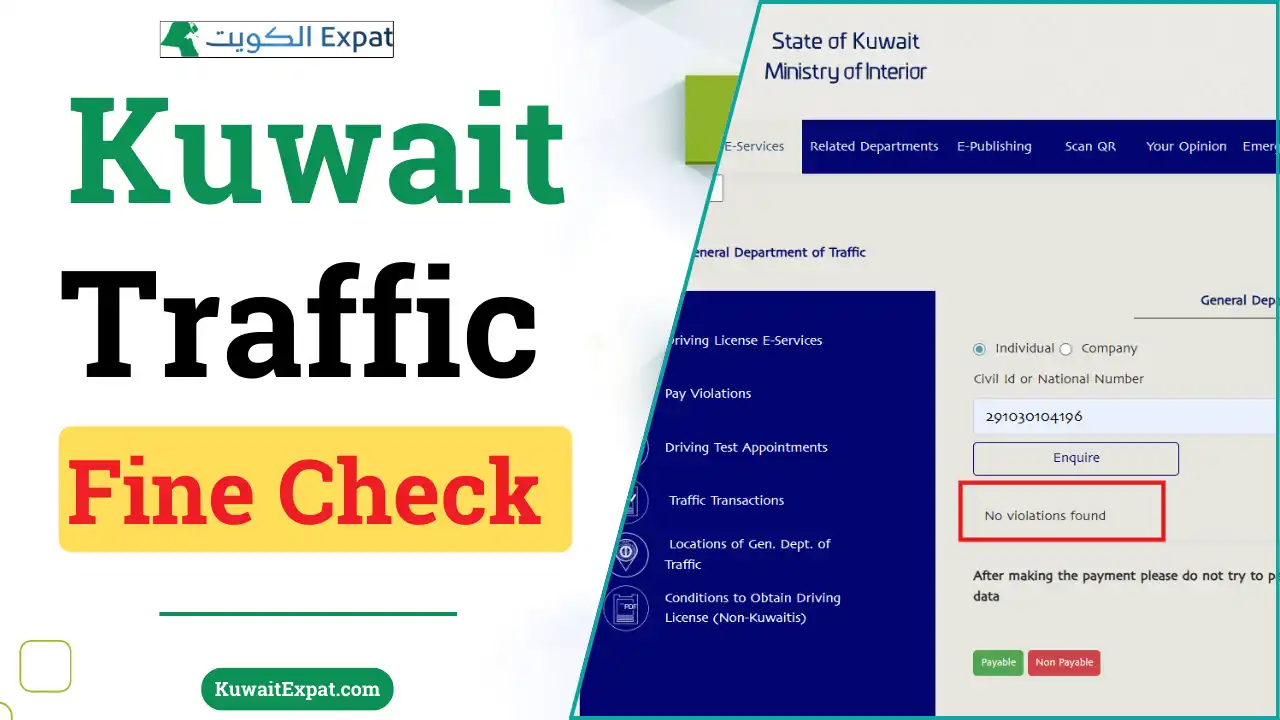
To do a Kuwait traffic fine check, use the MOI Traffic Violations service or the Sahel app. Enter your Civil ID or plate number to view outstanding violations, then pay securely and save the e-receipt. New fines usually appear within 24–72 hours, but allow up to 7 days around holidays or batch updates.
Do this next
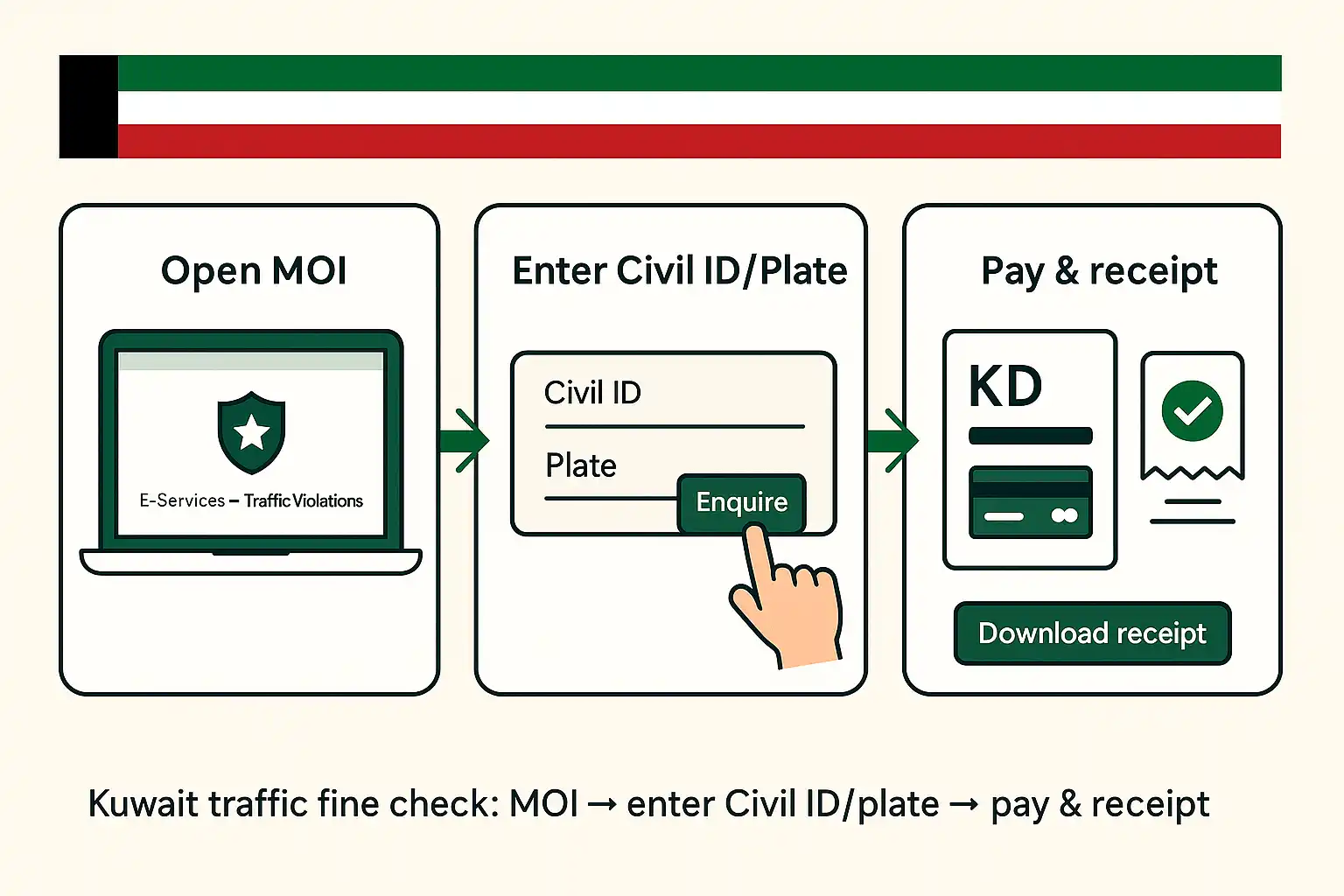
- Open MOI → E-Services → Traffic Violations (or Sahel → Traffic).
- Enter Civil ID or plate to Enquire.
- Review amounts, pay online, and download the receipt.
Where to check fines online in Kuwait
MOI portal (Traffic Violations)
The Ministry of Interior portal provides the primary inquiry and payment service. Individuals search with a Civil ID or plate; companies can switch to the Company option to search by company number.
Sahel app (government services)
Sahel aggregates many services, including traffic violations. You can view dues and complete payment from the same session once your profile is verified.
Kuwait Police app / website
The Kuwait Police channel mirrors core MOI functions for quick lookups and notifications, useful if the main portal is under heavy load.
Kiosks and in-person options
If you prefer in-person help, GTD service centers and select kiosks allow inquiries and payments. Bring your Civil ID and vehicle details.
What you need before you start
Civil ID vs. plate number
Either identifier can retrieve your record. A Civil ID pulls all vehicles under your profile; a plate number narrows results to one car.
Payment card and mobile number
Have an active bank card and a reachable mobile for OTPs and payment confirmations. Keep a screenshot of the final receipt.
Account sign-in (when prompted)
Some paths ask for sign-in to view history or download paid receipts. Create the account once; renewals are faster later.
Step-by-step: online inquiry and payment
MOI path (web)
- Go to E-Services → General Department of Traffic → Traffic Violations.
- Select Individual or Company.
- Enter Civil ID or plate number and tap Enquire.
- Review Payable vs Non-Payable items, then choose Pay.
- Complete e-payment, wait for the confirmation screen, and save the receipt.

Sahel path (app)
- Open Sahel → Ministry of Interior → Traffic.
- Choose Violations to view the list and totals.
- Tap Pay, authenticate via OTP, and save the e-receipt to your files.

What the result means
“No violations found”
Your record is clear. If you recently paid, allow up to 15 minutes for the status to refresh across services.
“Non-payable” violations
Certain violations require officer review or branch payment (e.g., disputes or holds). The portal shows the amount but disables online payment.
Company vehicles
If the car is registered to a business, check under Company using the company number; personal Civil IDs may not show those fines.
Processing times and visibility
Typical timeline
Most violations post within 24–72 hours. Batch updates, weekends, or holidays may push it to 7 days.
Receipts and proof
Your confirmation page and SMS/email serve as proof of payment. Keep a screenshot plus the transaction number.
Refunds and duplicate charges
If you see a double charge or a payment failure with debited funds, keep the receipt and contact support with the transaction ID.
Troubleshooting: why your fine isn’t showing
Data mismatches
A mistyped Civil ID or plate returns a blank result. Re-enter carefully and check Arabic/English number switch on mobile keyboards.
Cache and session issues
If the page stalls, close the browser tab, reopen, and try again. Clearing app cache or using another browser often resolves stuck states.
Recently issued tickets
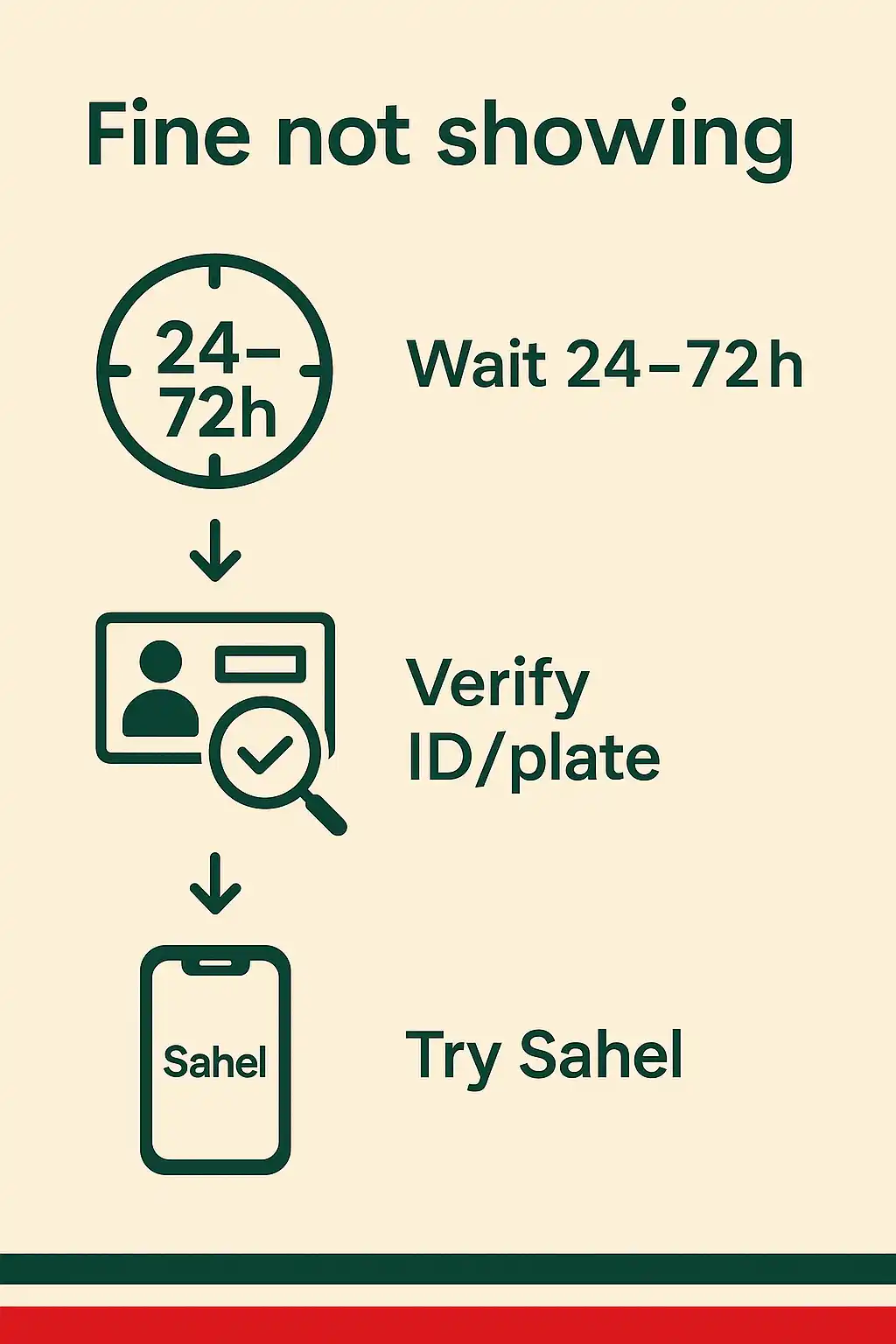
Fines from roadside cameras or new tickets may be pending. Wait 24–72 hours, then recheck or try the alternate channel (Sahel vs MOI).
Quick reference table
| Channel | Search with | Can you pay here? | Best for |
|---|---|---|---|
| MOI portal (web) | Civil ID / Plate | Yes | Full list, receipts, individual & company |
| Sahel app | Civil ID (profile) | Yes | Fast mobile checks and OTP payments |
| Kuwait Police app | Civil ID / Plate | Yes (when enabled) | Quick lookups and notifications |
Pro Tip: If you’re clearing fines before vehicle renewal, pay at least 48 hours ahead of your booking to ensure the system syncs and your record shows zero dues during inspection or renewal.
FAQs
How can I check traffic fines without a Civil ID?
Search by plate number on the MOI Traffic Violations page or via the Kuwait Police app. This returns vehicle-specific dues even if you don’t have the profile details at hand.
How long after payment does the status update?
The payment status typically refreshes within 15 minutes on the same channel. Cross-channel updates (e.g., MOI to Sahel) can take a few hours during peak times.
Can I pay someone else’s fines?
Yes, if you have the correct Civil ID or plate and the violation is Payable online. Keep the transaction receipt and share it with the vehicle owner.

